1
Find a reel worth eating
Scroll Instagram or Facebook like you already do. When a dish makes you stop — that’s the one. You were going to save it and forget it anyway.
InstagramFacebookany reel
RecipeJunkie turns the cooking videos buried in your saved folder into real recipes on your phone — photo, ingredients, clear steps. Find a reel, send the link to the AI assistant you already chat with, and the finished recipe lands in your library. Then plan the week and let the shopping list build itself. $10, once — no subscription, ever.
your saved folder is a graveyard. this is the resurrection ↓

Sound familiar? It’s been sitting here next to 199 others.
Tap it. Dinner’s handled.

How it works
No typing recipes by hand. No pausing a video forty times with flour on your fingers. Your AI assistant does the boring part — RecipeJunkie keeps it forever.
Scroll Instagram or Facebook like you already do. When a dish makes you stop — that’s the one. You were going to save it and forget it anyway.
Copy the link into a chat with the AI assistant you already use — Muse, Grok, ChatGPT, whichever lives on your phone. Say “add this to RecipeJunkie.”
A push notification, and the recipe is yours: photo, ingredients, clean steps. Amounts the creator never stated get flagged AI-estimated — honest, adjustable, never hidden.
Try it right here
A working taste of the three things RecipeJunkie does all day: rescue a reel, rescale a recipe, and merge a week of dinners into one shopping list.
This is the whole trick. One link in, a complete recipe out.
Works with Instagram & Facebook reels — and whatever you chat with.
Every recipe keeps a link back to the original video, so the creator always gets the credit — and you can re-watch the technique anytime.
Recipe feeds 2, but Friday feeds 6? Drag it. Every amount keeps up — live, no calculator, no math at the stove.
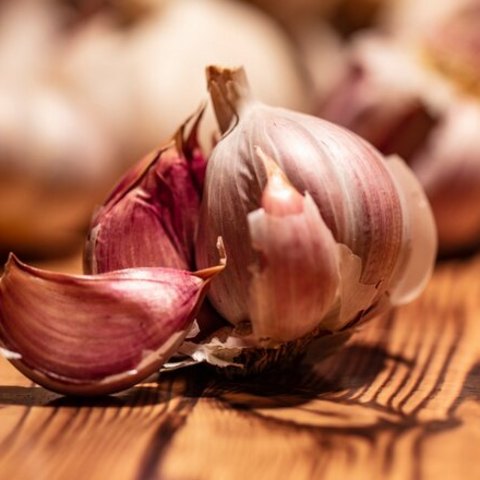
Tap the dinners you’re planning. RecipeJunkie merges duplicates across recipes — garlic is garlic, whether it’s Tuesday or Friday — adds the amounts together, and sorts everything by grocery aisle.
Pick at least one dinner above and watch the list assemble.
Straight from a real library
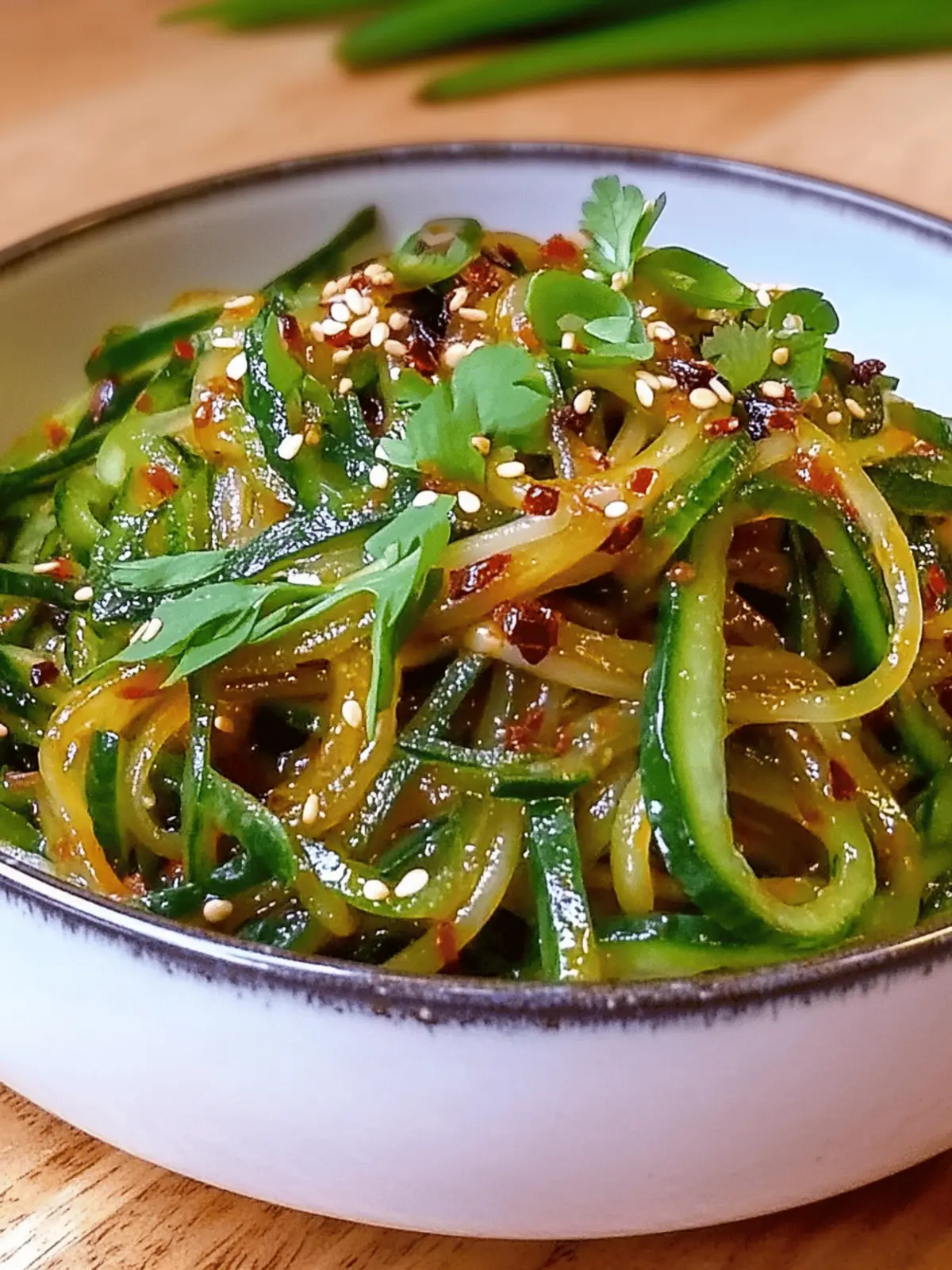
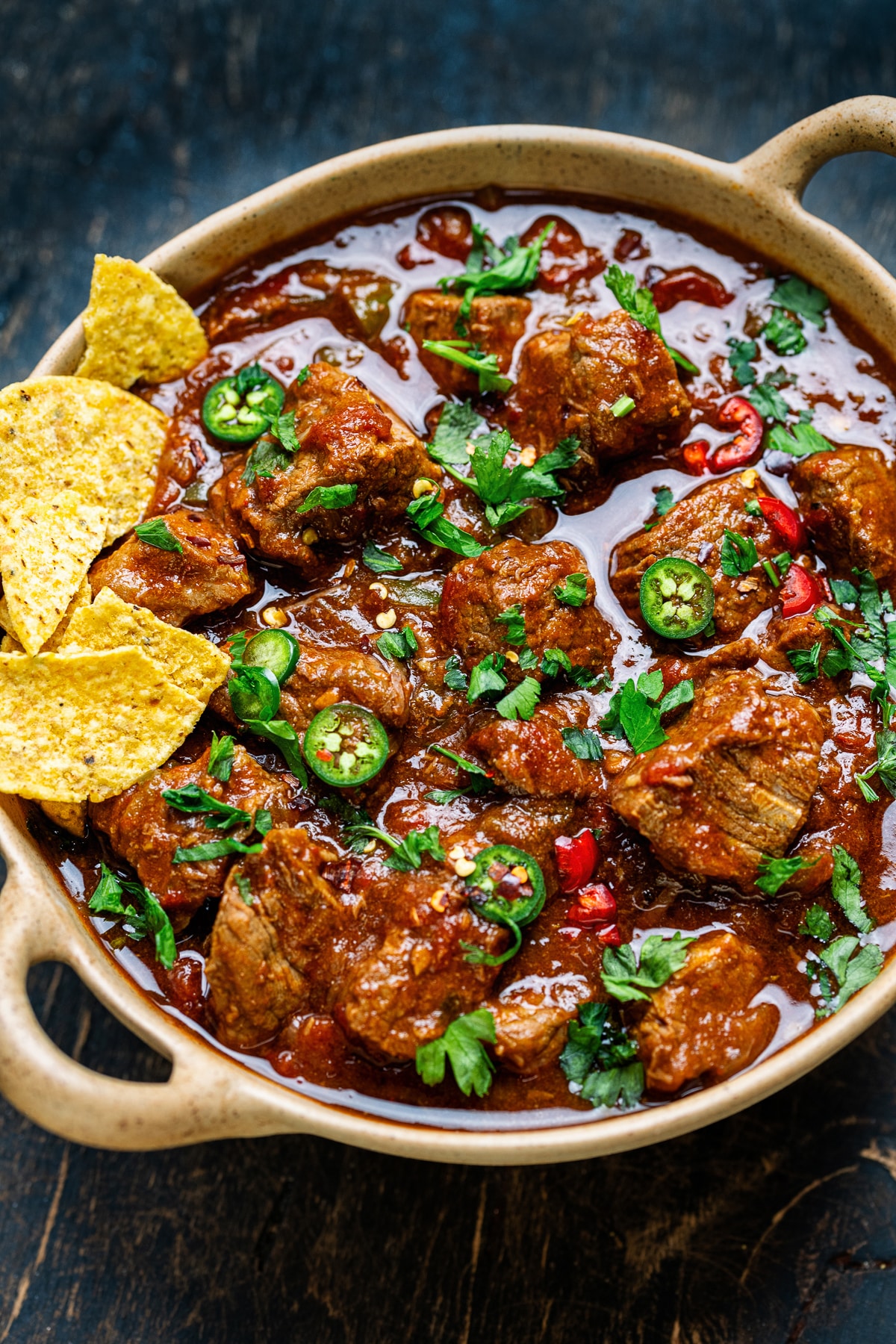
These are real saves from a real RecipeJunkie library — every one of them started life as a reel somebody almost forgot. Filter it the way you would in the app: by meal, by cuisine, by craving.



Everything in the kitchen drawer
No infinite scroll. No ads between you and dinner. Just the features that get a saved video onto a plate.
Your recipes lead with the dish, not a wall of text. Big photos, fast scanning — find dinner the way you found the reel: with your eyes.
Filter by meal — breakfast, lunch, dinner, dessert — or by cuisine, and search everything. Two hundred recipes, zero scrolling anxiety.
One step at a time in big, readable type. Tap-to-start timers built into the steps, and the screen stays awake — no unlocking your phone with chicken hands.
Date night for two or the whole family — slide the servings and every ingredient amount rescales live. Fractions handled, sanity preserved.
One recipe a day, Monday through Sunday, each with its own serving count. The week plans itself; Thursday-you thanks Monday-you.
Duplicates merge across recipes with real quantity summing — three recipes’ worth of garlic becomes one line — all grouped by grocery aisle.
Heart the keepers, tag everything, build your own cookbooks — “Weeknight Fast,” “Abuela Energy,” whatever your kitchen calls it.
Jot what you changed, log every time you make it. Next time, you cook from your own notes — not from scratch.
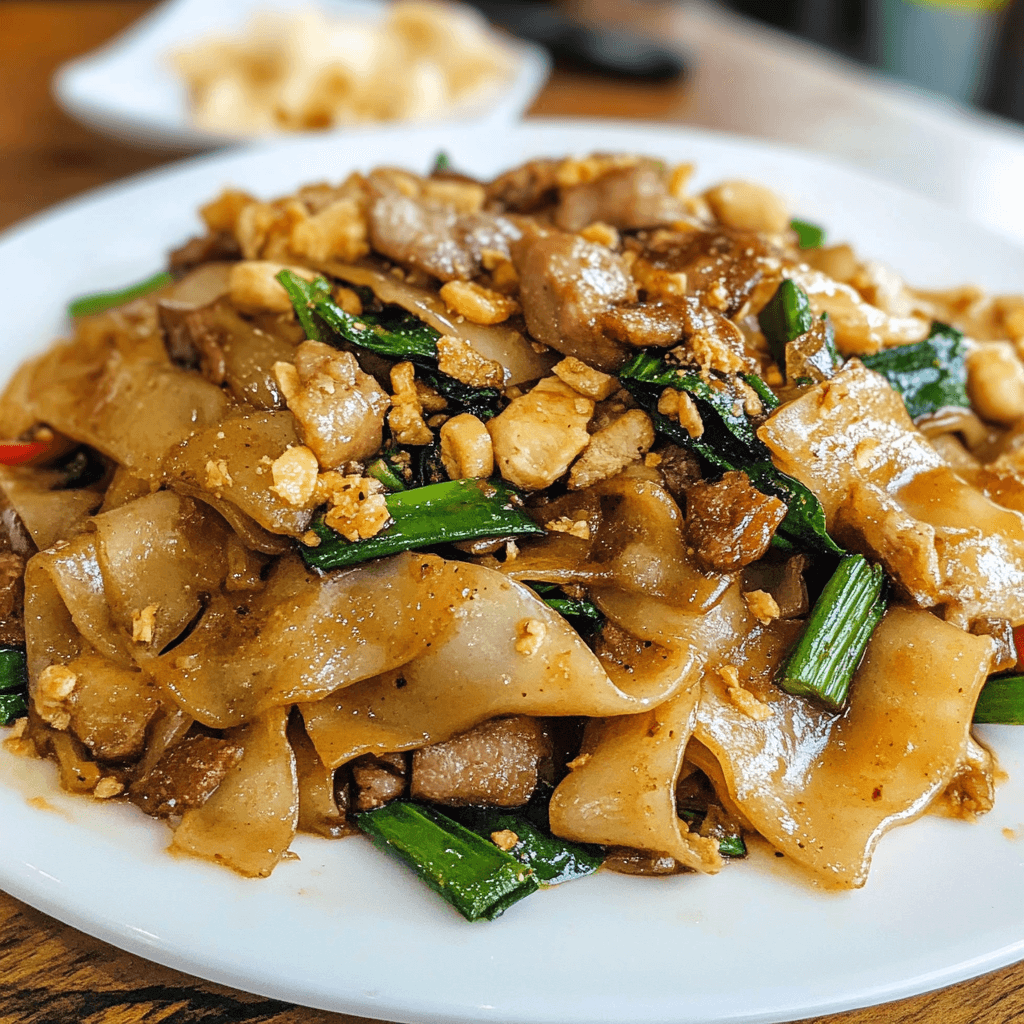
Per-serving estimates on every recipe, so the high-protein Pad See Ew can prove it deserves the name.
Grams or cups, Celsius or Fahrenheit — one tap flips the whole library. Your British recipes and your Texas kitchen finally agree.
Grandma’s recipes never had a reel. Type them in by hand — they live in the same library, planner, and lists as everything else.
Send any recipe to a friend, and every recipe links back to the original video — credit to the creator, technique on demand.
Plan it · Cook it
A real week, planned in about ninety seconds. Hit the button and this exact week becomes a shopping list.
Scramble the eggs in the wok, then add noodles and sauce. Toss hard — you want charred edges.
Pricing · the no-subscription math
Read that again. RecipeJunkie stores them on your own phone — so there’s nothing to rent back to you. One $10 payment and it’s yours: in year one you save about $30, and every year after that you pay $0 while subscription apps keep charging.
| RecipeJunkie | Typical subscription recipe apps | |
|---|---|---|
| Price | $10, once. Pay a single time — no subscription, no renewal, no paywall on your own recipes | $39.99/year (ReciMe), every year, just to keep storing them |
| Cost after 3 years | Still $10 total. You paid in year one and never again | $119.97 and counting — $39.99 × 3, with year four already queued up |
| Where recipes live | On your phone — local-first, works offline | Their cloud, behind your account |
| Account required | None. Open the app, cook | Email, password, another login to forget |
| Reel → recipe | Conversational — send a link to your own AI assistant, it lands in the app | Not how they work — manual import or nothing |
| If you stop paying | There’s no bill to stop. You paid $10 once — the app and your recipes are yours, period. | Your library is held at the paywall |
Simple pricing
Pay once and RecipeJunkie is yours — every feature, forever. No monthly bill, no yearly renewal, no “premium tier” holding your own recipes hostage.
Get RecipeJunkie for iPhone — $10 one-timeLocal-first, on purpose
RecipeJunkie has no cloud, no account, and no server with your grandmother’s salsa on it. What you save lives on your device — full stop. That’s not a limitation we’re working around; it’s the whole design.
No email, no password, no “verify your identity to see a lasagna.” Download, open, cook.
Recipes, notes, and your made-it log are stored on-device. Nothing to breach, nothing to sell, nothing to leak.
The breakdown happens in a chat with the assistant you already trust — RecipeJunkie just receives the finished recipe.
Read the details in our Privacy Policy.
Questions, answered straight
$10 — once. That’s the entire price: one payment and the app is yours, with every feature included. No subscription, no monthly or yearly renewal, no account, and no paywall standing between you and recipes you already saved. Subscription recipe apps charge $39.99 a year, every year; you pay $10 in year one and $0 forever after. It’s made by EliteGrid in San Antonio, Texas.
Whichever one you already chat with — Muse, Grok, ChatGPT, and others can all do it. You paste the reel link into that chat, ask it to add the recipe to RecipeJunkie, and it arrives on your phone as a push. There’s a copy of the simple setup instructions inside the app.
Creators rarely say every amount out loud — “a splash of soy sauce” isn’t a measurement. When your AI assistant has to estimate an amount the video never stated, RecipeJunkie flags it clearly as AI-estimated, so you know exactly what to taste and adjust. Nothing is silently invented.
Yes — Instagram and Facebook reels both work. If it has a link and somebody cooking in it, it can become a recipe.
On your phone. RecipeJunkie is local-first: no cloud account, no server copy. Your library works offline in the middle of the grocery store with one bar of signal.
iPhone: yes — RecipeJunkie is available now on the App Store for a $10 one-time purchase. Android: coming soon — the Google Play version is in the works, and it’ll carry the same $10 one-time price when it lands. No subscription on either platform, ever.
$10 one-time · No subscription · No account
Rescue it. RecipeJunkie is available now on iPhone — $10 once, yours forever, with your recipes exactly where they belong: on your phone. On Android? It’s coming soon.
200 saved. 0 cooked. Not anymore.